The oldest month open will appear. To close this month, click on "You are about to close the current period" and then select "Run." The month will then be closed.
End of Month Processing - General Ledger
How do I hard close a month/accounting period? There can only be 12 active months in the Broadlume Management System. Therefore, we recommend hard closing a month 3 months after financial statements have been processed. To hard close a month, you will use the "End of Month Processing" module in the General Ledger Menu. See illustration below:
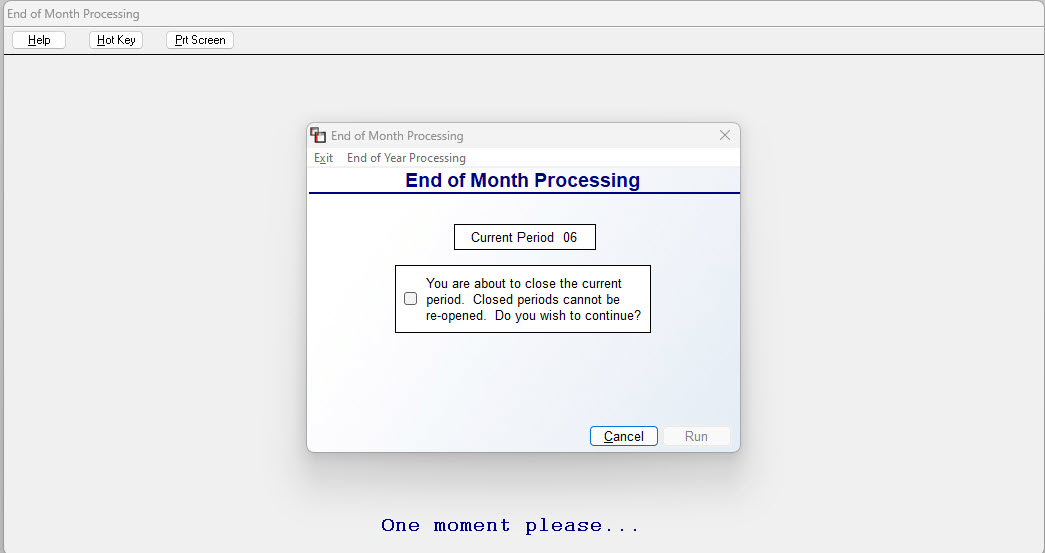
The oldest month open will appear. To close this month, click on "You are about to close the current period" and then select "Run." The month will then be closed.
The oldest month open will appear. To close this month, click on "You are about to close the current period" and then select "Run." The month will then be closed.